Exporting Database
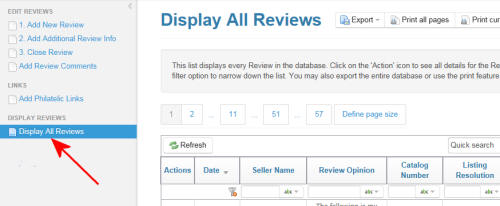
1. Start by navigating to the 'Display All Reviews' page in the Members
sections as shown at right.
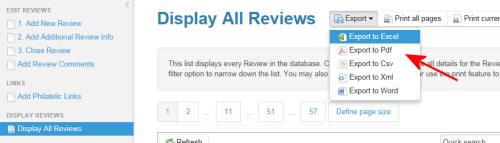
2. Click on the drop down box marked 'Export' and selesect the export
file format you desire.
3. Depending on your browser, you will get a prompt asking you about
downlading the file. Shown at right is the typical Internet Explorer
message.
Select 'Open', 'Save' or 'Save As' and download file to your computer.
Select 'Open', 'Save' or 'Save As' and download file to your computer.
