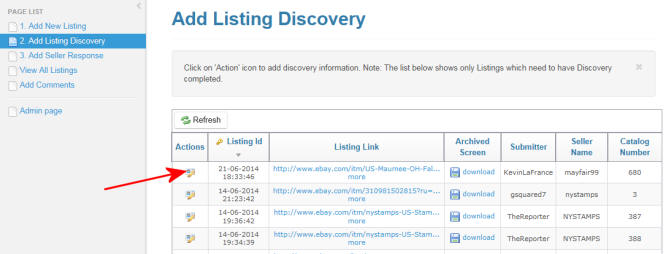
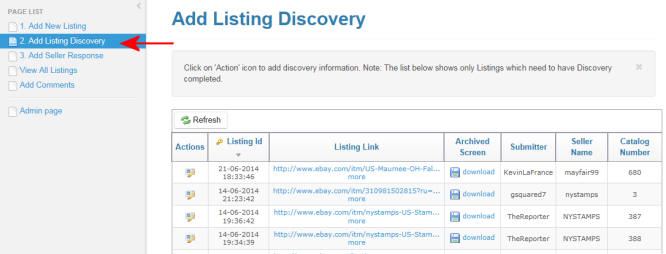
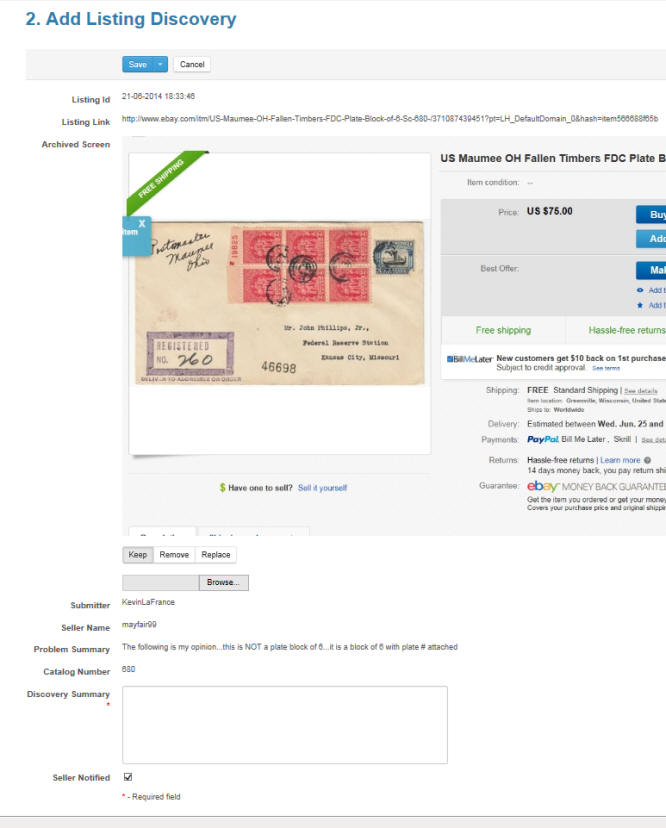
3.There are three items that can be added or updated; Archived Screen
upload, Discovery Summary, and Seller Notified check box.
If the Archived Screen (screen shot) was not uploaded in Step 1, or if
the desire is to update the one that was, browse to the image and
select the appropriate button (Keep, Remove, Replace).
If the seller has been notified enter the date in the Discovery Summary
text area. You can also add any additional listing review information.
For additional help on how to contacting sellers, please
click here.
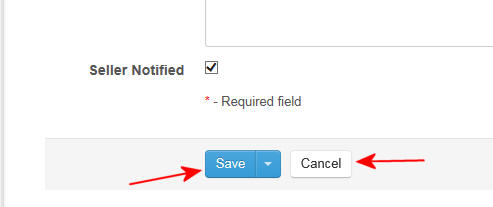
And finally, select the Seller Notified check box if the seller has been
contacted.